1.1.0 Jun 3, 2026
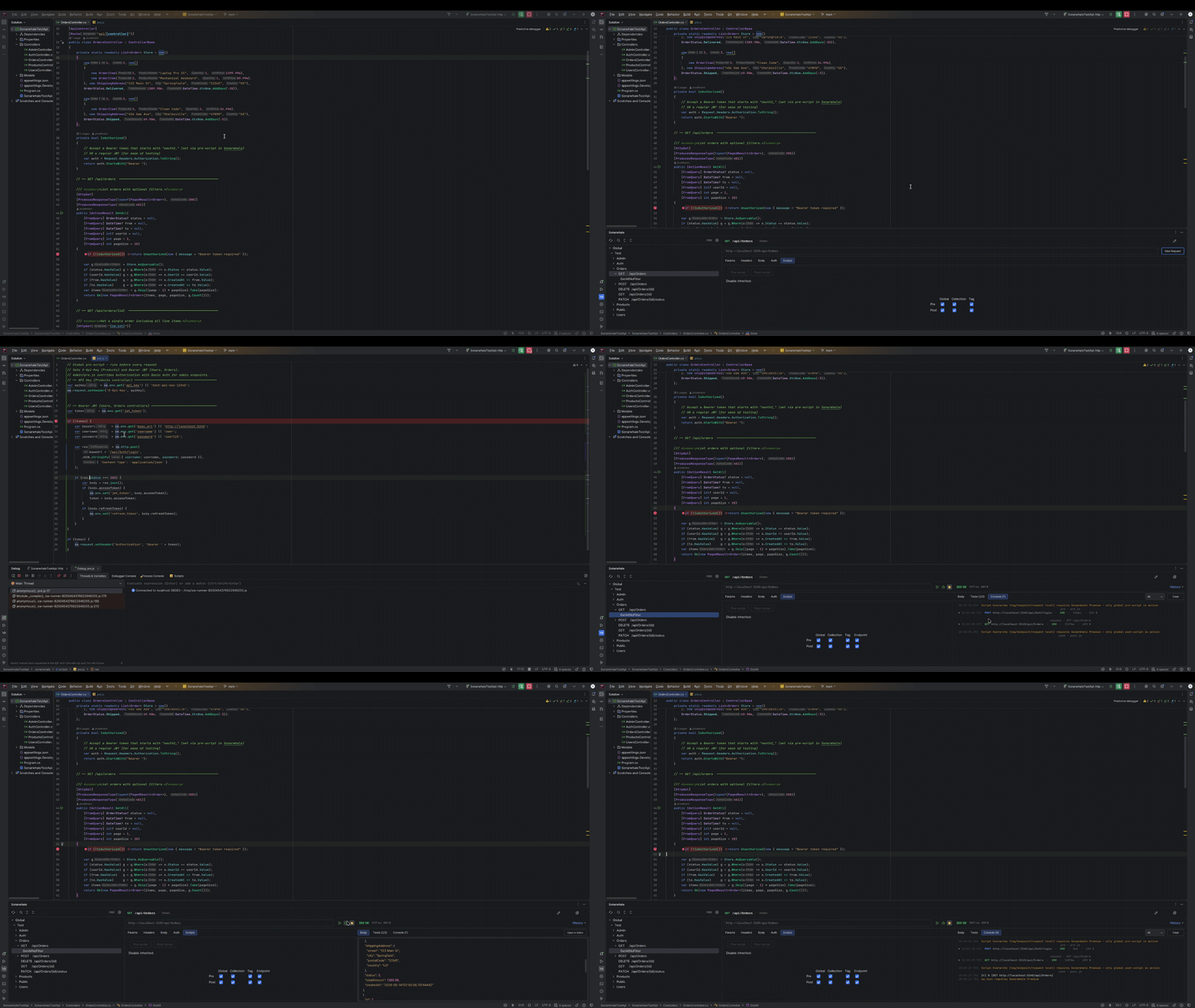
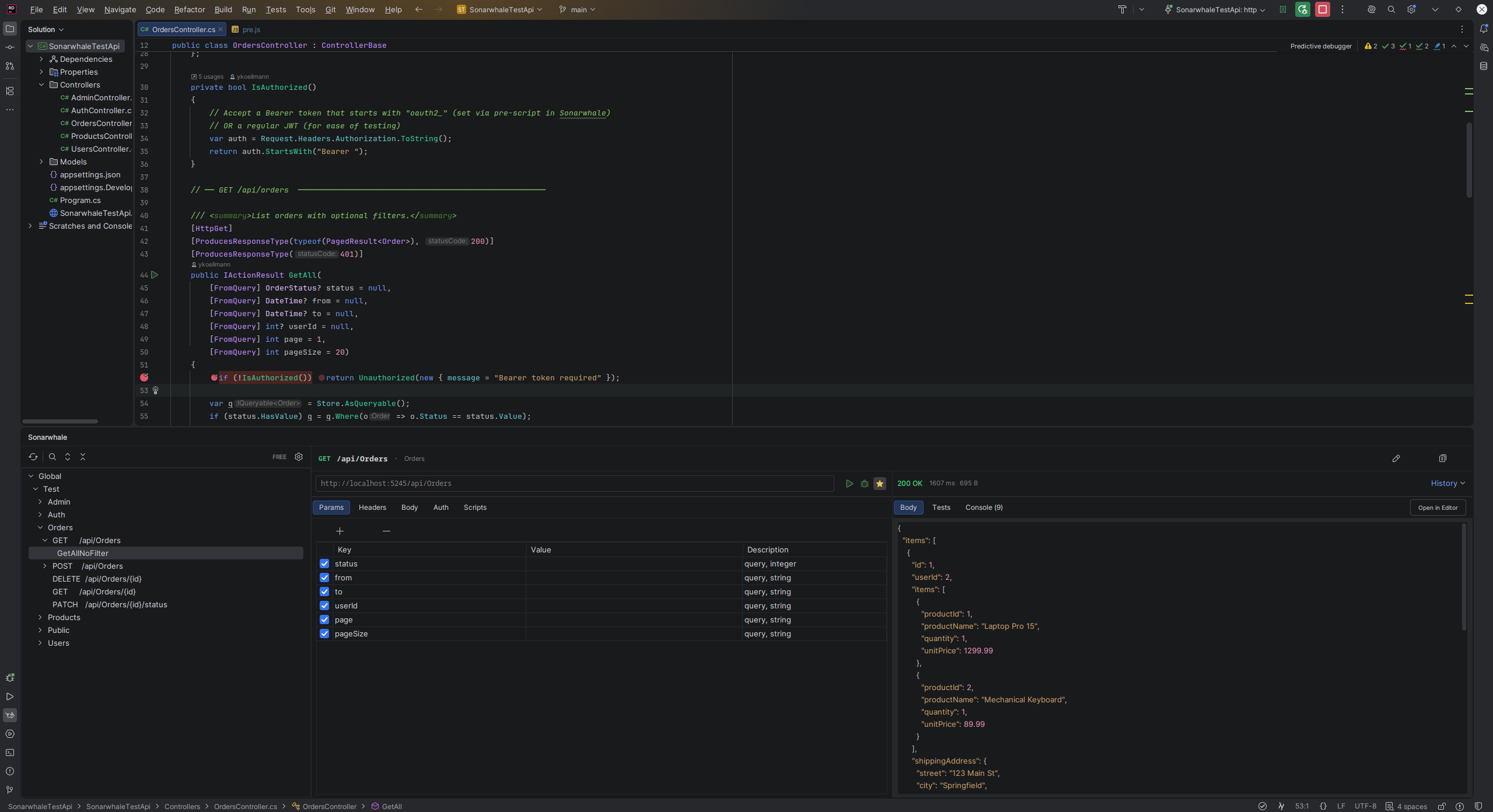
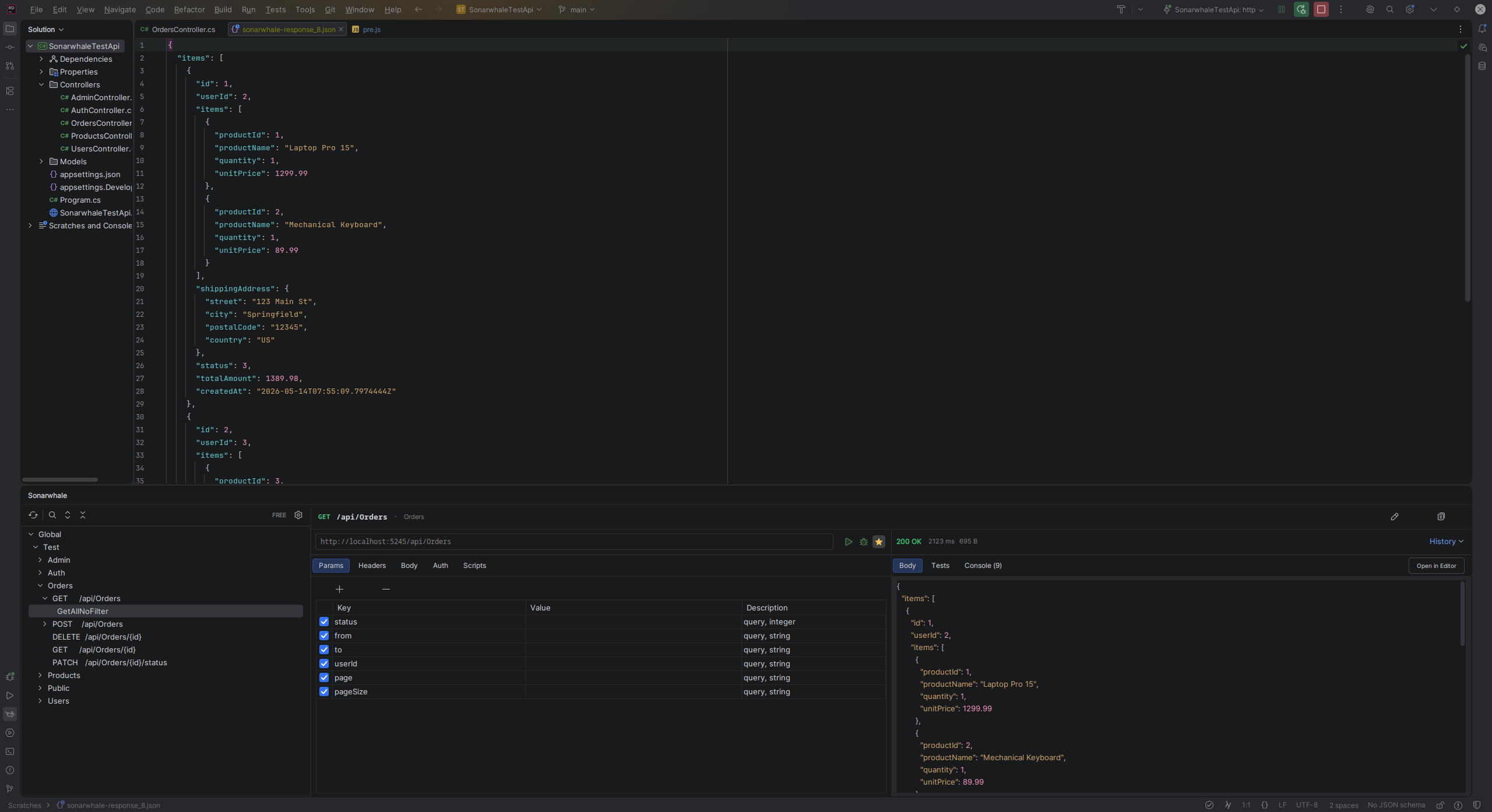
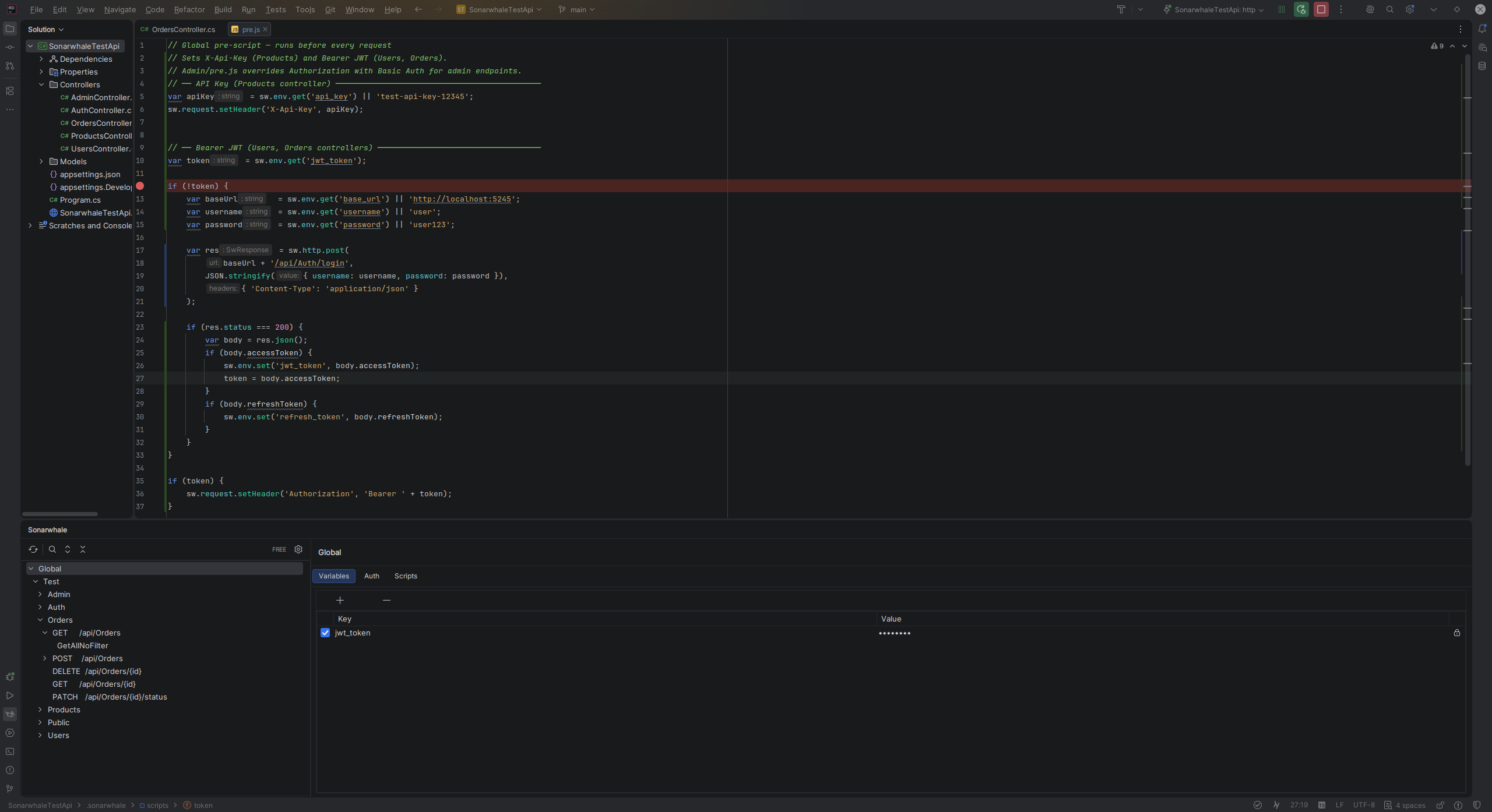
Native JS debugger for pre/post scripts: set breakpoints in `.js` files and step through them with the IDE debugger
Plugin icon on JetBrains Marketplace (light + dark variant)
`sw.http` is now available in the Free tier — HTTP calls in pre/post scripts are request preparation, not automation. Only `sw.response`, `sw.test`, and `sw.expect` remain Premium-only.
Debug mode now matches run mode: pre-script boundary, `sw.http` calls, and Premium filtering are consistent across both
Debug mode: `sw.http` was returning a Promise instead of a synchronous result — login and header injection now work correctly
Debug mode: script-level console output (pre-script logs, HTTP calls) now appears in the Sonarwhale console, not only in the IDE debug console
Debug mode: script hierarchy was not filtered by tier — non-Premium users now correctly run only the global level
1.0.1 Jun 2, 2026
Pre/Post Scripts are now partially available in the Free tier: global-level scripts (`pre.js` / `post.js` in `.sonarwhale/scripts/`) can use `sw.env` and `sw.request`
Script hierarchy (tag / endpoint / request level) and advanced APIs (`sw.test`, `sw.expect`, `sw.http`, `sw.response`) require Sonarwhale Premium
Free-tier scripts that attempt to use premium APIs receive a clear message in the console output instead of a raw JavaScript error
1.0.0 Jun 2, 2026
Initial release
OpenAPI/Swagger endpoint discovery (Server URL, file, static import)
Built-in HTTP client with params, headers, and body editor
Multiple environments with variable substitution ({{varName}})
Saved requests per endpoint
Pre/Post scripts (JavaScript via Rhino)
Auth configuration (Bearer, Basic, API Key, OAuth2 Client Credentials)
Gutter icons and Jump-to-Source for C#, Java, Python
Postman Collection export (Premium)
Run history (Free: last 10 runs, Premium: unlimited)
Freemium licensing via JetBrains Marketplace